
Hey, fellow adventurer — if you have been leveling in Throne and Liberty and wondering how to turn spare materials into Lucent, let me walk you through the Auction House the way I use it in 2026. I have spent plenty of time bouncing between contracts, dungeons, and crafting benches, and the Auction House is still one of the most useful systems in the game. It is not just a shop; it is the player-driven economy where gear, crafting materials, and other goods change hands. The system can feel a little intimidating at first because it mixes premium currency, taxes, and market timing, but once you understand the flow, buying and selling becomes second nature. In this guide, I will share the exact steps I follow, plus a few habits that have saved me from wasting Lucent.
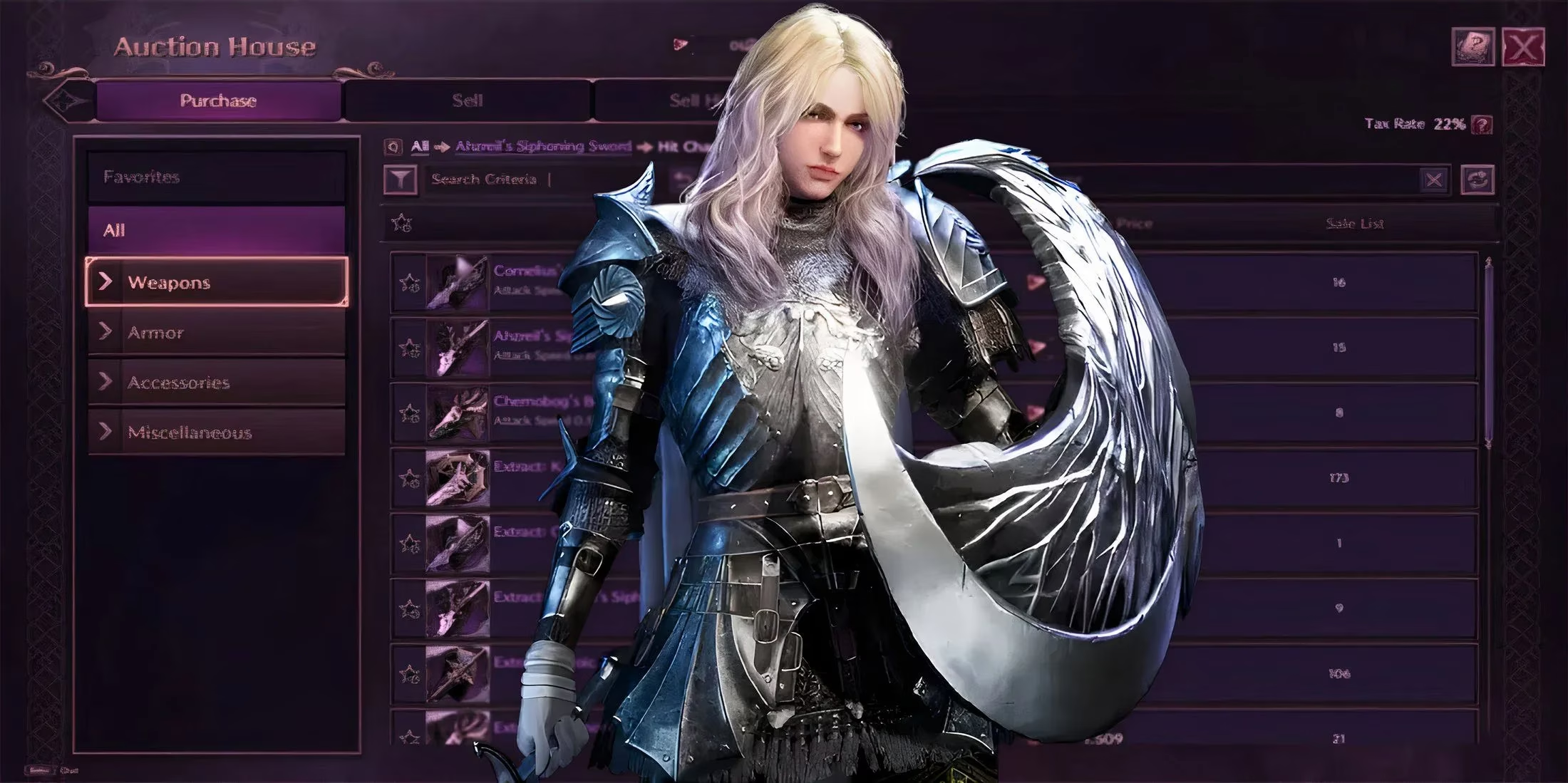
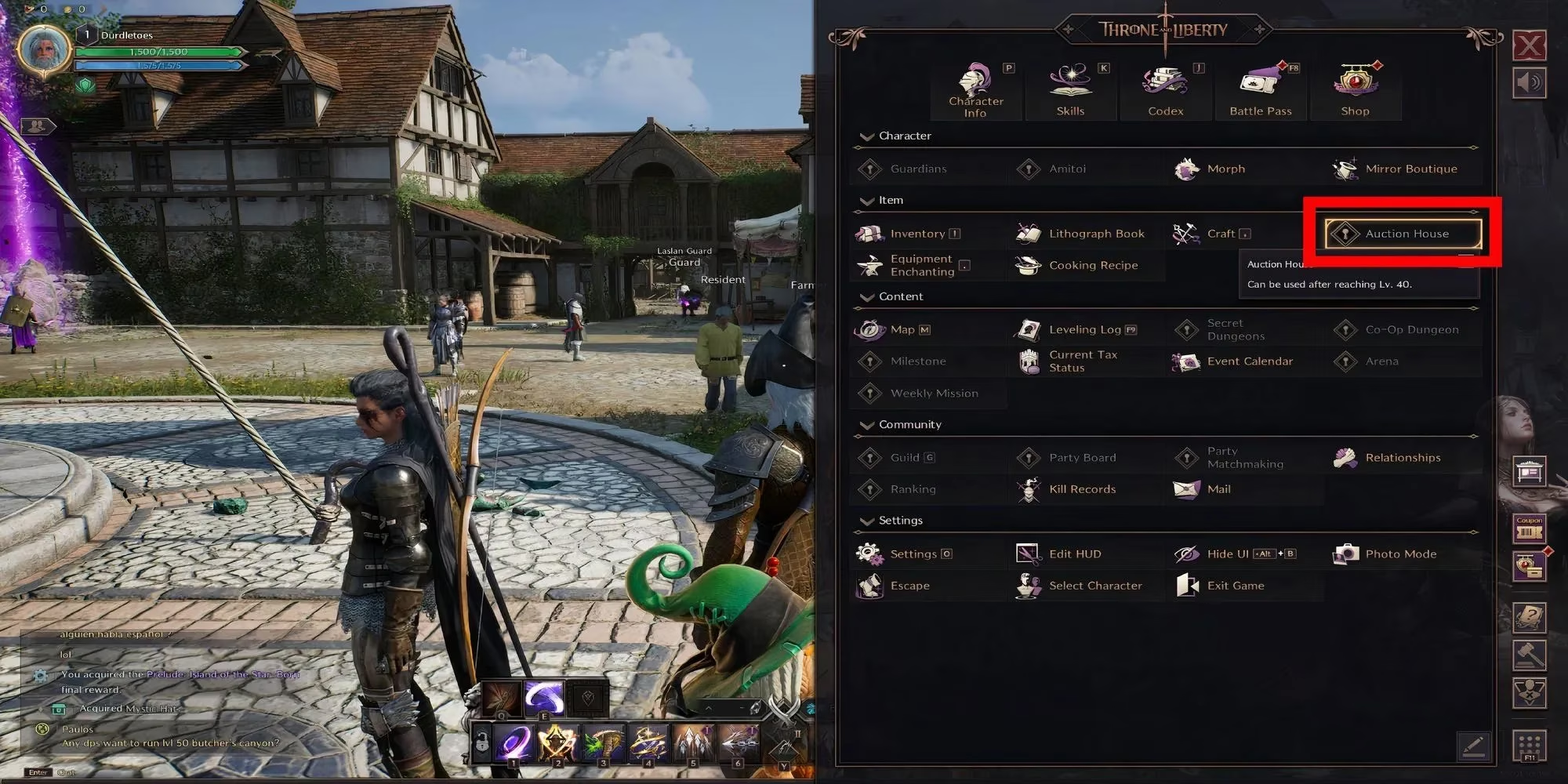
First, unlock the market at Level 40. This is the gate that matters most. You cannot trade through the Auction House before Level 40, so do not stress about market prices while you are still climbing. Focus on your main story, exploration, and early gear. Once you hit Level 40, open the game menu and look in the upper-right area for the Auction House option. Click it, and you are in. That is the whole unlock process — no hidden quest, no special vendor, just level and menu access.
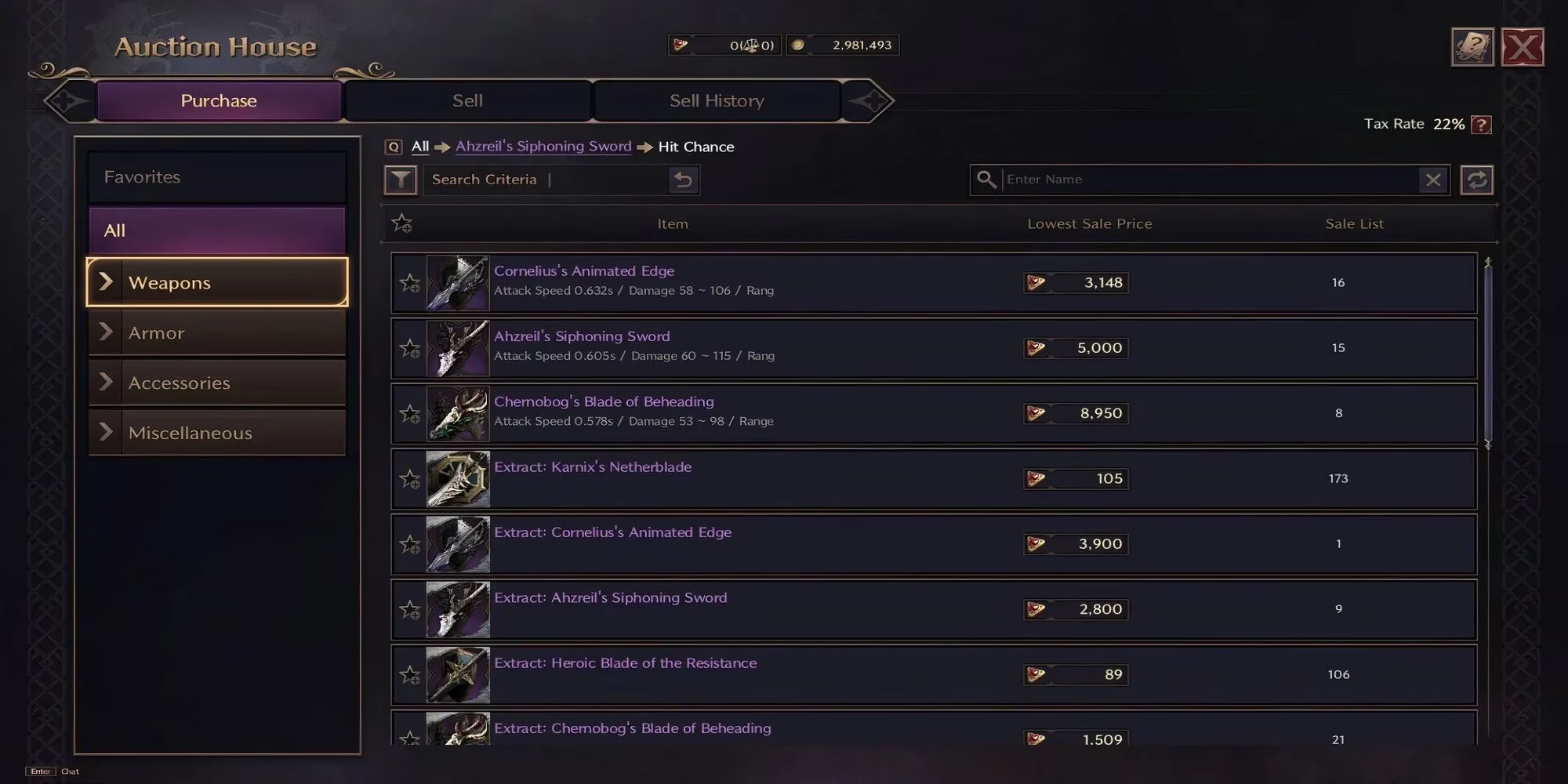
Buying: bring Lucent and know your categories. To purchase anything, you need Lucent, one of the premium currencies in Throne and Liberty. The Purchase area is laid out clearly, and if you know whether you need weapons, armor, accessories, or materials, the categories make it easy to narrow things down. My advice is to decide what you actually need before you browse. It is very easy to see a shiny upgrade and spend Lucent you were saving for a crafting material. I usually check the item category, compare a few listings, and then commit only when the price makes sense for my current build.
Selling: use the Sell section and price with context. When I want to profit, I go to the Sell section. My inventory appears on the right side of the screen, and I choose the item I want to list. A small window pops up where I set my price. This is where the game gives you useful context: the average price for the item, the lowest current listing, and the highest current listing. Do not ignore those numbers. If you price too high, buyers will skip you. If you price too low, you leave Lucent on the table. I usually anchor near the average price, especially for materials that move quickly. That keeps my listing competitive without turning a profitable sale into a giveaway.
Here is a quick reference table I keep in mind:
| Auction House detail | What it means for me |
|---|---|
| Unlock level | Level 40 |
| Buying currency | Lucent |
| Selling limit | 30 active listings |
| Tax rate | 20% when an item sells |
| Price signals | Average, lowest, and highest listings |
That 20% tax is the detail I see new players forget. When you set a price, remember that the amount you receive is not the full listing price. Factor the tax into your profit margin before you list expensive gear. The 30-item limit also matters. I treat my slots like a limited shop window: prioritize items with steady demand, and clear out slow movers instead of letting them sit forever.
My 2026 routine. Prices move as players change builds, chase new gear, and flood the market with materials. Before I list anything, I check the average and the lowest listing, then I ask myself whether I would buy it at that price. If the answer is yes, I list near average. If the market looks saturated, I wait or use the item myself. The Auction House rewards patience more than panic.
So, that is my approach: hit Level 40, open the menu, buy with Lucent when the deal is right, and sell near the average while respecting the tax and listing limit. Once you get comfortable, the Auction House becomes less of a mystery and more of a toolbox. Happy trading, and may your Lucent stretch further than your next upgrade. 🎮💰
Comments